
Description
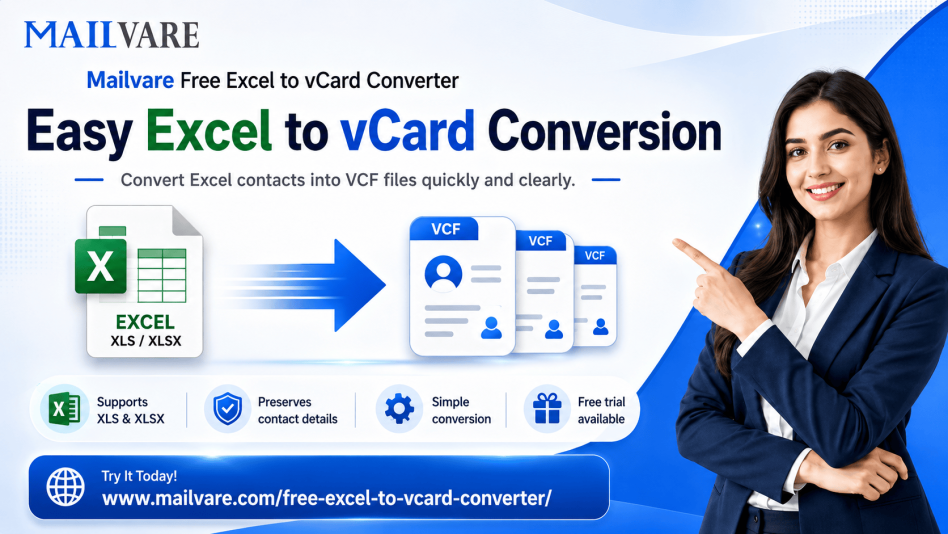
An Excel contact file can create completely different problems on every platform. Android can leave out important entries, Gmail can pull duplicate contacts during sync, and iPhone imports sometimes mix phone numbers and email fields without warning. The bigger the spreadsheet gets, the worse the situation becomes, especially with old office directories or backup contact sheets containing years of saved records. One damaged column is often enough to disturb the entire contact list after import. Instead of spending hours sorting broken entries manually, Mailvare Free Excel to vCard Converter prepares XLS and XLSX contact files in VCF format before the transfer starts, making the contact data easier for Android, iPhone, Gmail, Outlook, and similar platforms to recognize correctly. Contact details stay more organized during export, which helps reduce missing information and formatting conflicts later. Another useful part is the offline working environment, so private phonebooks and business contacts remain stored on the local computer throughout the conversion. Running a small test file first usually gives a much better idea before transferring the complete database.
Quick Details
Reviews
To write a review, you must login first.
From the Same Seller
Make Excel Contacts Compatible with Android ,iPhone and Gmail
Location
Seller Info